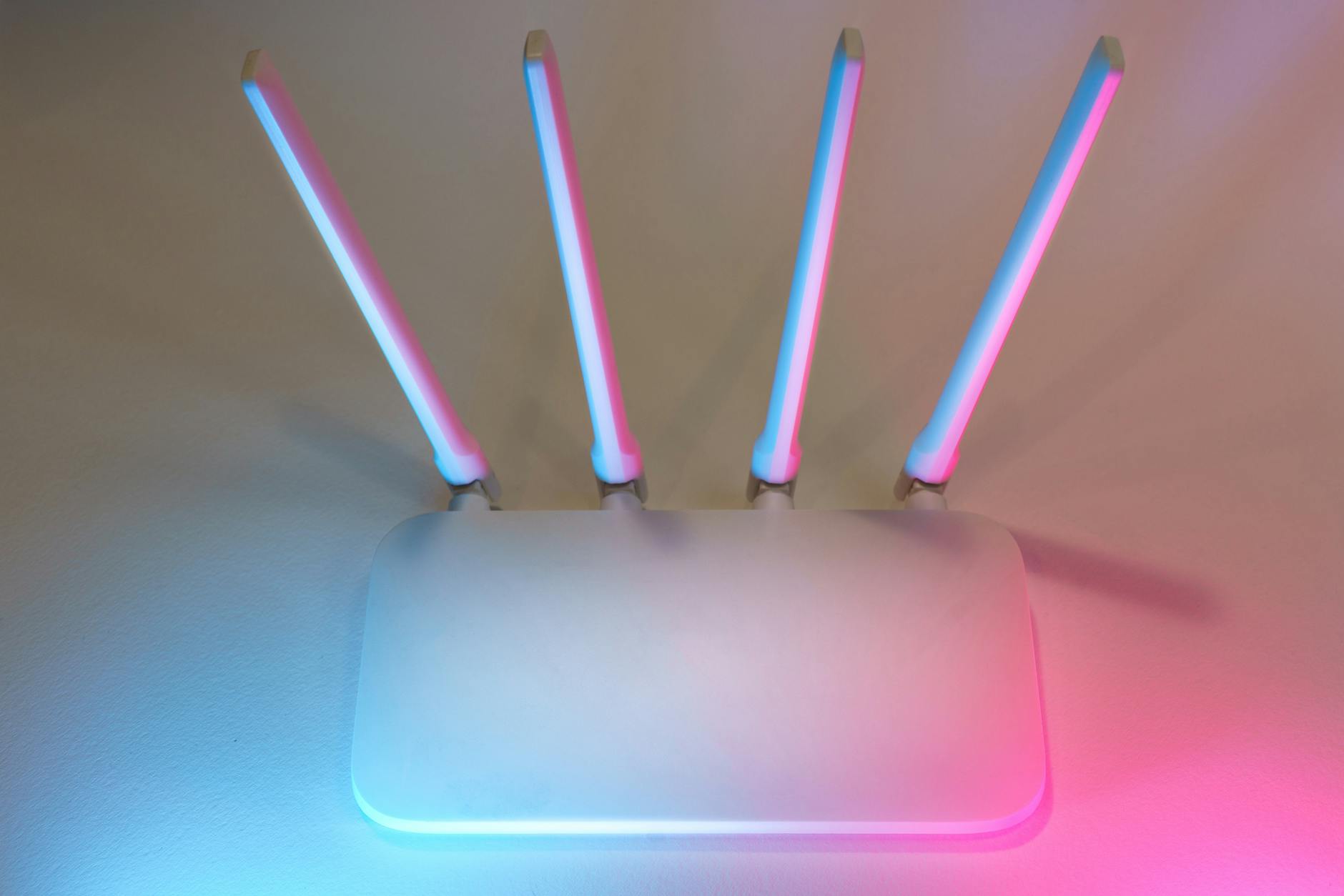
Living in Southwest Florida means enjoying beautiful weather, but it also comes with unique challenges for your home’s technology. Many homeowners in Estero find themselves frustrated by slow speeds, dropped video calls, and buffering streams in certain rooms. This is often due to the thick concrete block walls, stucco exteriors, and large square footage common in our local architecture. If you are searching for a reliable solution to these connectivity issues, understanding mesh wifi estero options is your first step toward a seamless digital experience.
At ZoeSquad, we understand that modern life depends on consistent internet access. Whether you are working from home, streaming 4K content, or managing smart home devices, dead zones are not just an inconvenience—they are a hindrance to your daily routine. This guide explores whether upgrading to a mesh network is the right move for your Estero property and how professional installation ensures optimal performance.
Understanding WiFi Dead Zones in Estero Homes
Before diving into solutions, it is essential to identify why your current setup might be failing. In many Estero neighborhoods, homes are built with materials that naturally block or weaken radio signals. Concrete blocks, metal roofing, and even dense landscaping can interfere with standard router broadcasts. A traditional single-router setup typically struggles to penetrate these barriers effectively, leading to “dead zones” where the signal drops entirely or becomes too weak for practical use.
For homeowners in Estero, this often manifests as:
- Slow upload/download speeds in bedrooms or home offices far from the main router.
- Inability to connect smart devices (thermostats, cameras, locks) in garages or outdoor patios.
- Video call drops during important business meetings.
- Buffering issues when streaming content on multiple devices simultaneously.
Recognizing these symptoms is crucial because they indicate that your current infrastructure cannot handle the demands of a modern, connected household. This is where evaluating mesh wifi estero systems becomes relevant. Unlike traditional extenders that create separate networks and halve your bandwidth, mesh systems create a single, unified network that moves you seamlessly from room to room without interruption.
Is Mesh WiFi Worth the Investment for Your Home?
The question of whether a mesh system is worth the cost depends on your home’s size, layout, and usage patterns. For small apartments or homes with open floor plans, a high-quality single router might suffice. However, for most Estero homeowners with larger footprints, multi-story layouts, or significant architectural obstacles, the answer is generally yes.
Whole-Home Coverage vs. Point Solutions
Traditional WiFi extenders plug into a wall and rebroadcast the signal. While they can help in specific spots, they often create “islands” of connectivity that require you to manually switch networks as you move through your house. Mesh systems, on the other hand, use multiple nodes (satellites) that communicate with each other to form a single, intelligent network. This means your devices automatically connect to the node with the strongest signal, ensuring consistent speed and reliability throughout the entire property.
Future-Proofing Your Network
Investing in a modern mesh system is also about future-proofing. As we adopt more smart home technology—from Ring doorbells to Nest thermostats and security cameras—your network needs to handle dozens of simultaneous connections without lag. Mesh systems are designed with this density in mind, offering better traffic management and device prioritization than older router technologies.
Key Considerations Before Installing a Mesh System
While the benefits are clear, there are practical considerations every Estero homeowner should evaluate before committing to an installation. Understanding these factors will help you make an informed decision about mesh wifi estero services.
What Are the Downsides of Mesh WiFi?
No technology is perfect. The primary downside of mesh systems is cost. A comprehensive system that covers a large home can be more expensive upfront than a single router. Additionally, while setup is generally easier than configuring complex enterprise networks, it still requires some technical knowledge to place nodes optimally. If you are not comfortable with basic networking concepts, professional installation is highly recommended to ensure the nodes are placed in locations that maximize signal strength rather than creating new interference points.
Can I Add Mesh WiFi to an Existing Router?
In many cases, yes. Some mesh systems allow you to use your existing modem and even integrate with older routers if they support bridge mode. However, for the best performance, it is often recommended to replace the old router entirely. Using a legacy router as the main hub can bottleneck the speed of the new mesh nodes, limiting the benefits of WiFi 6 or WiFi 7 technologies. ZoeSquad can assess your current hardware and recommend whether a full replacement or an add-on approach is best for your specific setup.
What Is the Best Mesh WiFi for Concrete Walls?
Estero homes often feature thick concrete block construction, which is notorious for blocking WiFi signals. When choosing a system, look for models with high-gain antennas and strong transmit power. Systems that support tri-band connectivity are particularly beneficial because they dedicate one entire band to communication between the nodes, leaving the other two bands free for your devices. This reduces congestion and ensures that data travels quickly from node to node, even through dense walls.
Outdoor Connectivity: Expanding Your Coverage
For many Estero residents, the challenge isn’t just inside the house; it’s extending coverage to patios, pools, and garages. Standard indoor mesh nodes are not weather-resistant and will fail if exposed to the elements. This is where specialized outdoor mesh nodes come into play.
Can I Add More eero Outdoor 7s to Expand My Coverage Outside?
Yes, you can expand your network outdoors by adding compatible outdoor nodes like the eero Outdoor 7. These devices are designed to withstand rain, dust, and extreme temperatures common in Florida’s climate. They connect wirelessly to your main indoor mesh system, creating a seamless extension of your home network to your outdoor living spaces. This allows you to stream music on the patio, monitor security cameras, or work from your poolside without losing connectivity.
Can I Place My eero Outdoor 7 on a Flat Surface Like a Table?
While it is physically possible to place an outdoor node on a flat surface, it is not the optimal installation method for long-term durability and signal strength. The eero Outdoor 7 is designed with mounting hardware that allows you to secure it to a wall or ceiling. Mounting it higher up provides a clearer line of sight to other nodes and reduces interference from ground-level obstacles. Additionally, securing it prevents accidental damage from pets, children, or landscaping equipment.
Do I Need Power Tools to Install eero Outdoor 7?
Installing an outdoor node typically requires basic tools. You will likely need a drill to create pilot holes for the mounting screws and a screwdriver to secure the device. If you are not comfortable using power tools or drilling into exterior siding, ZoeSquad offers professional installation services that ensure your outdoor nodes are mounted securely and weather-tight.
Do I Need to Clean eero Outdoor 7?
Maintenance is minimal but important. Periodically wiping down the outdoor node with a dry cloth helps remove dust, pollen, and dirt that can accumulate on the vents and lenses. Avoid using harsh chemicals or abrasive cleaners, as these can damage the casing. Regular cleaning ensures that the device stays cool and operates efficiently, especially during Florida’s hot summers.
Professional Installation: Why Choose ZoeSquad?
While DIY mesh kits are available at big-box stores, professional installation offers significant advantages for Estero homeowners. Incorrect node placement is the most common reason for poor mesh performance. A professional technician understands signal propagation, interference sources (like microwaves and baby monitors), and optimal positioning to ensure every corner of your home receives a strong signal.
Local Expertise in Estero Architecture
ZoeSquad has extensive experience working with the specific construction styles found in Estero. We know how concrete blocks, metal roofs, and open-concept layouts affect WiFi signals. Our technicians don’t just plug in devices; they conduct a site survey to identify weak points and configure the network to compensate for them. This localized knowledge ensures that your mesh wifi estero system is tailored to your home’s unique physical characteristics.
Comprehensive Troubleshooting and Support
When you install a mesh system yourself, you are on your own if issues arise. With ZoeSquad, you get ongoing support. If you experience connectivity drops or speed fluctuations, our team can troubleshoot the issue remotely or onsite. We also ensure that your network is secure, configuring strong passwords, guest networks, and firmware updates to protect your home from cyber threats.
Frequently Asked Questions
Are mesh Wi-Fi systems secure?
Yes, modern mesh systems are highly secure. They use WPA3 encryption, which is the latest standard for WiFi security, to protect data transmitted between your devices and the network. Additionally, reputable brands provide regular firmware updates that patch vulnerabilities. ZoeSquad ensures that your network is configured with the strongest security protocols and that you have a dedicated guest network for visitors, keeping your personal devices safe.
Can I manage my mesh network remotely?
Absolutely. Most modern mesh systems come with companion mobile apps that allow you to manage your network from anywhere. You can pause internet access for specific devices, run speed tests, check connected devices, and update firmware directly from your smartphone. This remote management capability is particularly useful for Estero homeowners who travel frequently but want to keep an eye on their home network’s status.
Can I use a mesh system with my existing modem?
Yes, you can typically use a mesh system with your existing modem, provided the modem is compatible with your internet service provider (ISP). The mesh system acts as the router, while the modem handles the connection to the internet. However, if your modem is very old or lacks sufficient ports, we may recommend upgrading it to ensure it doesn’t become a bottleneck for your new high-speed network.
Do I need Ethernet wiring to use mesh Wi-Fi?
No, you do not strictly need Ethernet wiring to use a mesh system. Most modern mesh networks are designed to work wirelessly, with nodes communicating via dedicated radio bands. However, if your home has Ethernet ports in key locations (like the living room or office), connecting those nodes via Ethernet (“wired backhaul”) can significantly improve stability and speed. ZoeSquad can assess whether your home’s existing wiring can be leveraged to enhance your mesh performance.
Ready to Eliminate Dead Zones?
If you are tired of fighting with your WiFi in Estero, it is time to take action. A properly installed mesh network can transform your home’s connectivity, providing reliable, high-speed internet in every room and outdoor space. Whether you need a simple indoor upgrade or a comprehensive solution including outdoor coverage, ZoeSquad has the expertise to deliver.
Don’t let dead zones disrupt your work, entertainment, or smart home experience. Contact ZoeSquad today for expert WiFi troubleshooting and mesh network setup. We provide professional, local service tailored to the unique needs of Estero homeowners. Call us now to schedule your consultation and enjoy seamless connectivity throughout your property.